Enhance your Minecraft vanilla gameplay experience with datapacks!
Please note that datapacks are exclusive to the Java Edition.
➕ How to Add Datapacks to a Java Edition Server ➕
Recommended datapack download sources: Vanilla Tweaks and Gamemode 4.
- Downloading: Download your datapack from a trusted site. Ensure it is compatible with your server version.
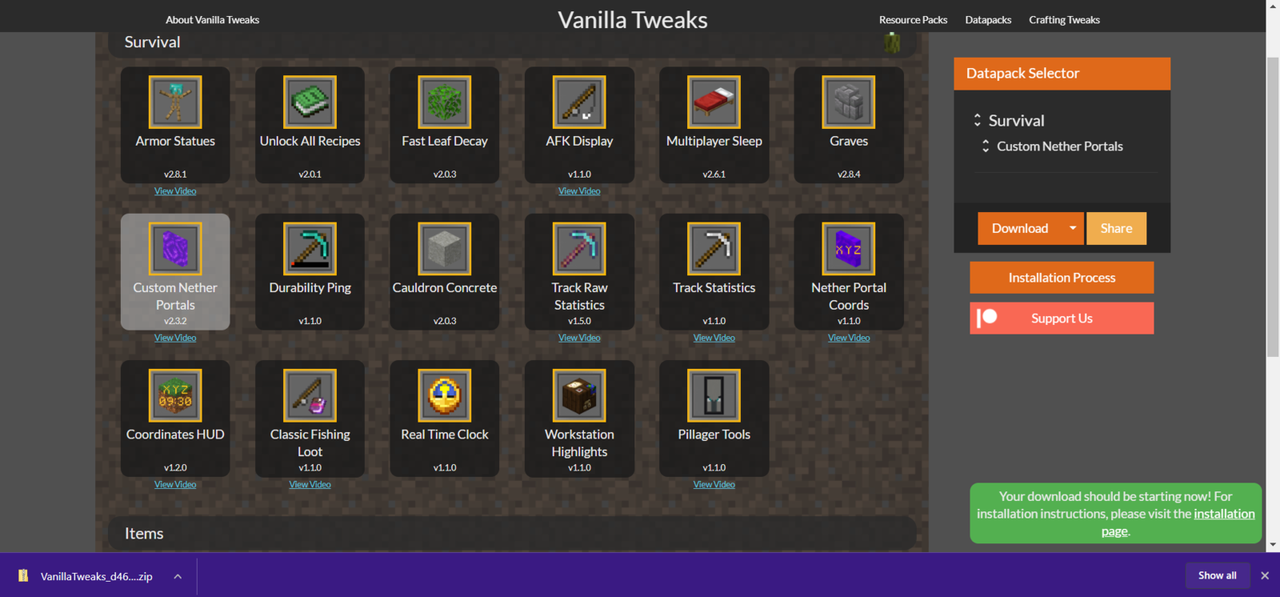
Important: If the datapack downloads as a ZIP file, do not extract it!
- Uploading: Stop your server. In the control panel's file manager, locate your world folder. It should have the same name as
level-name in the server.properties file. Inside your world folder, you should see a datapacks folder. Open that folder and upload your datapack. If the datapack is in folder format, you will need to upload it via sFTP.
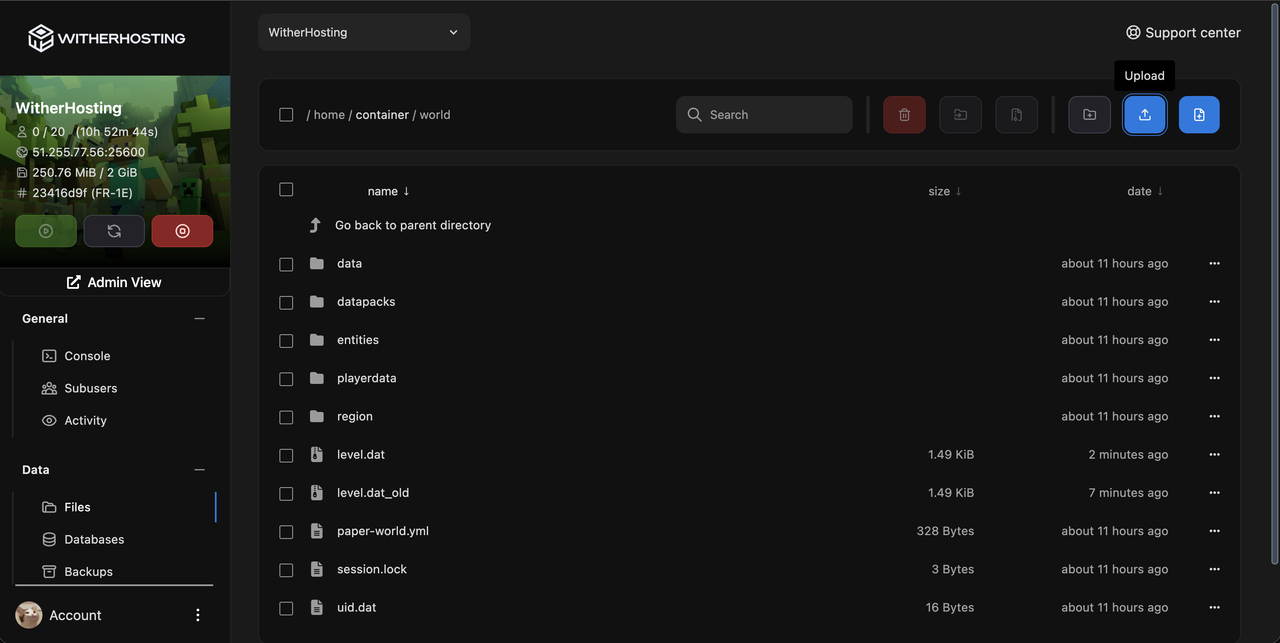
- Applying: Restart your server, and your datapack should be applied! 👍
Updated on: 11/02/2025
Was this article helpful?
Let us know if you found this article useful